Login
Use the sign-in method provided by your administrator. Use the main login screen for an individual worker account, or select Log in with a shared organization account for a shared organization account.
Sign in with a worker account
- Enter your organization name, name, and password.
- Select Login.
- Check your name and organization on Home and My Page.
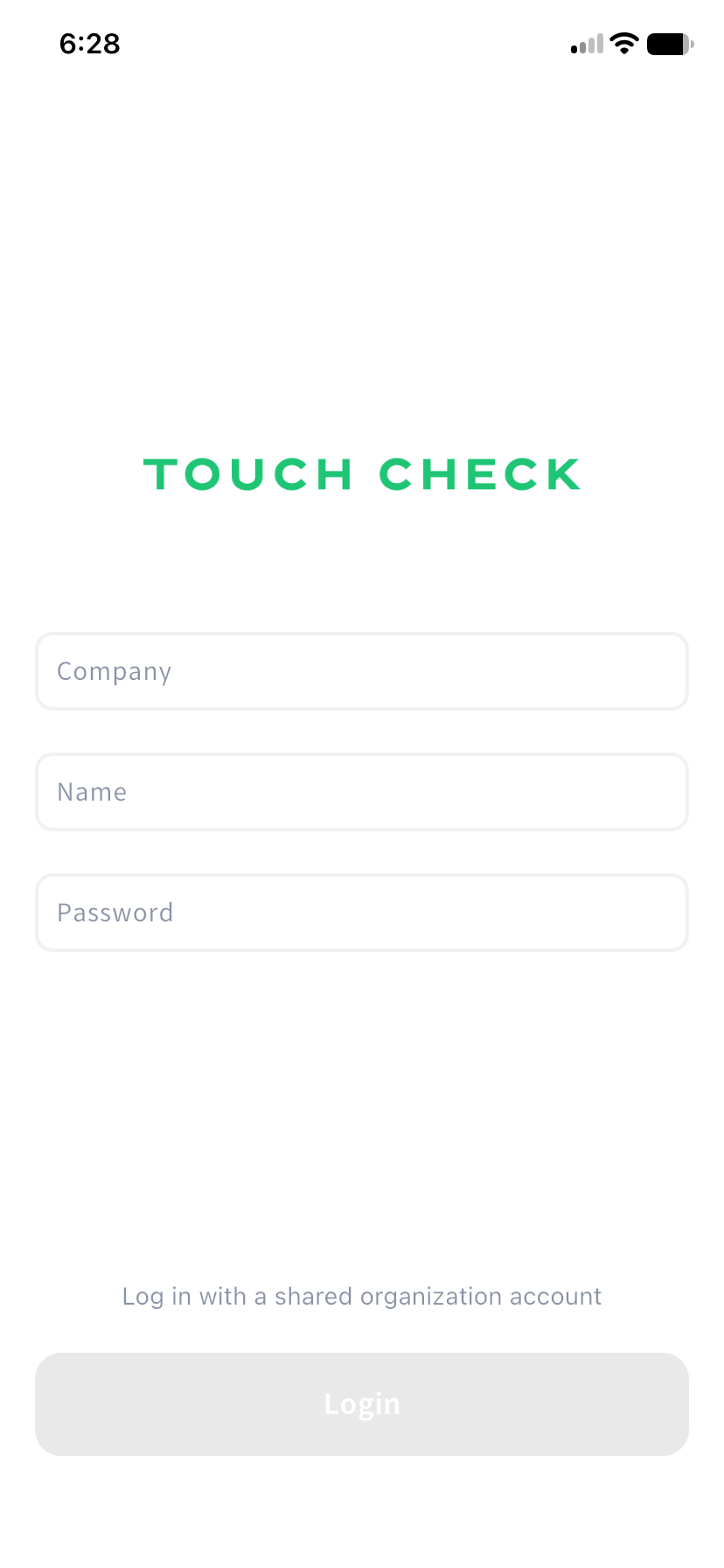
If login fails, check all three fields. Ask your administrator if you do not know your credentials or the correct details still do not work.
Sign in with an organization account
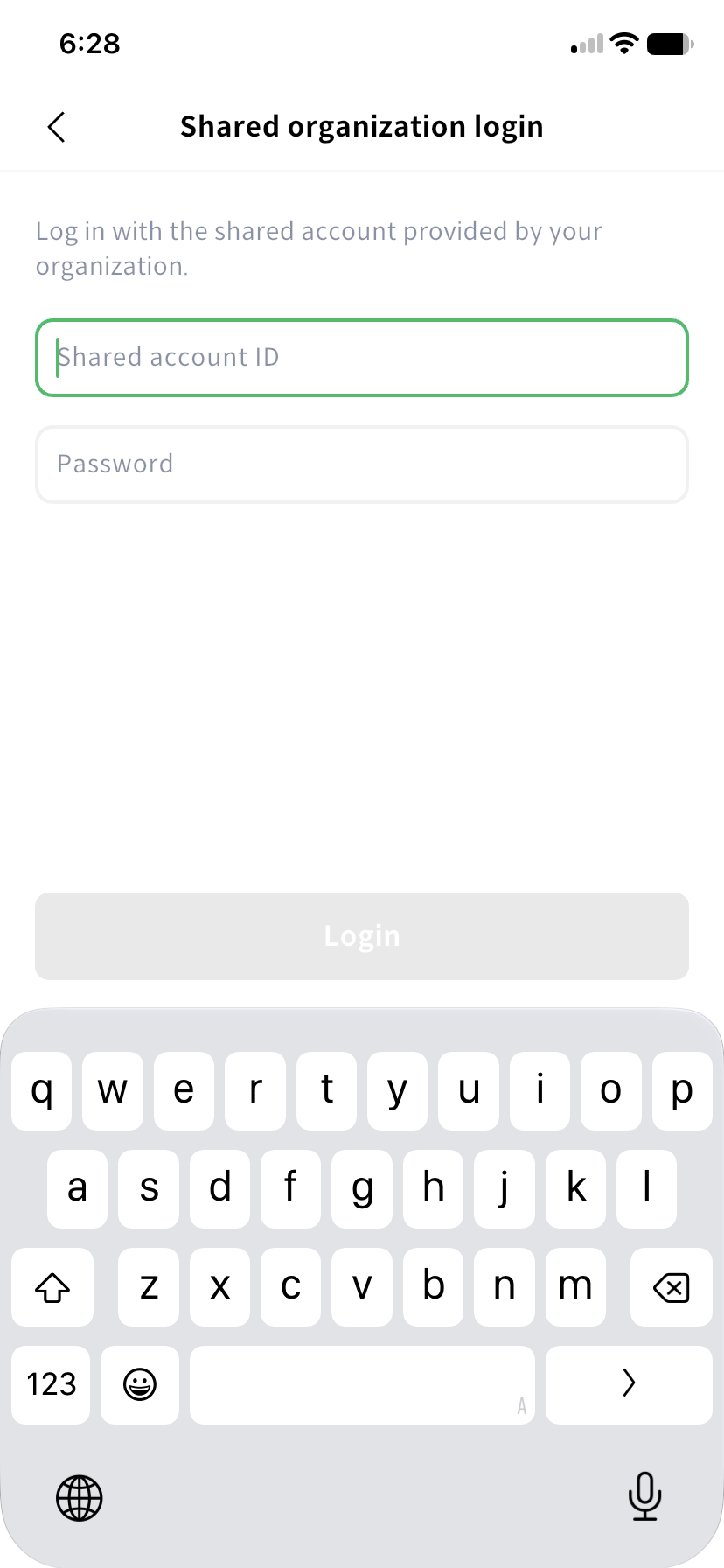
- Select Log in with a shared organization account on the main login screen.
- Enter the shared account ID and password provided by your administrator.
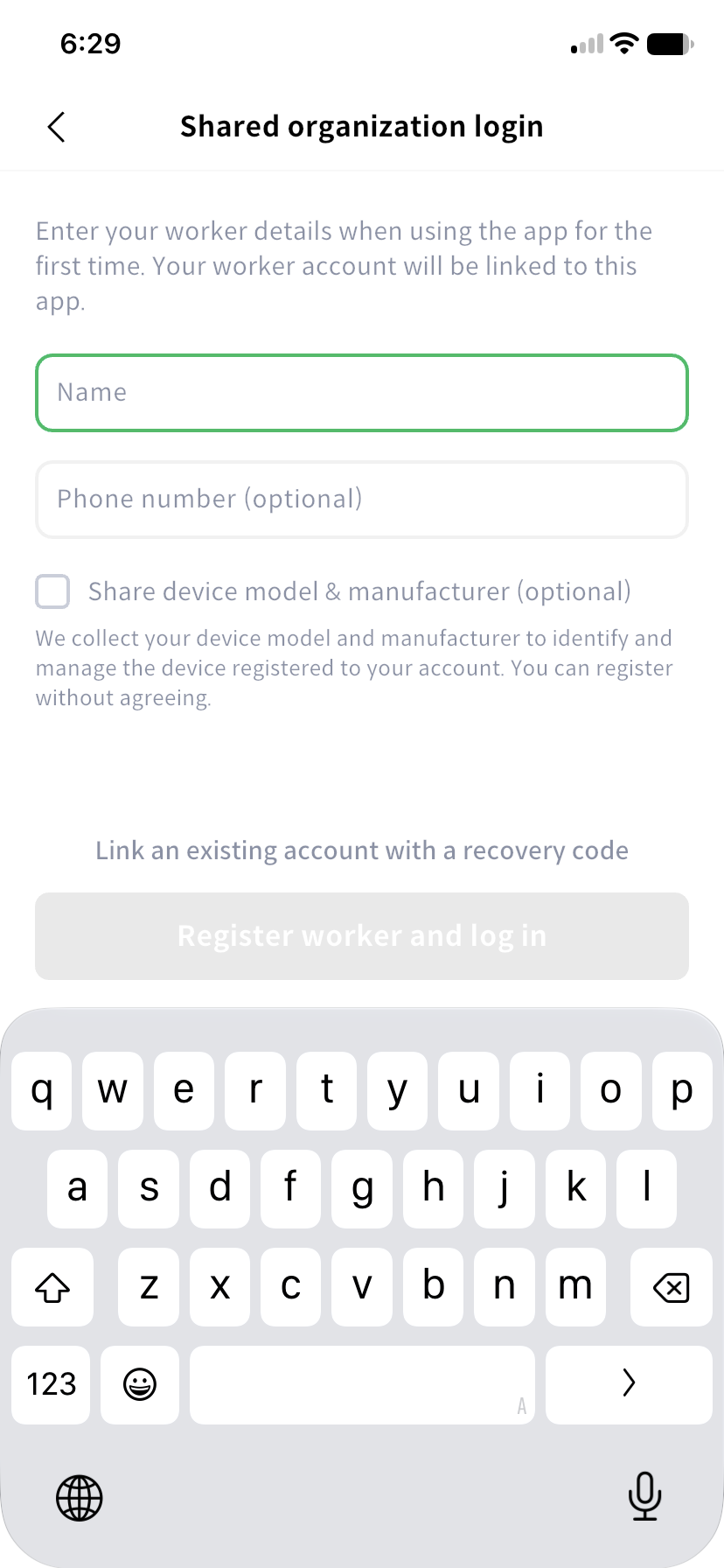
- If prompted to register this device, enter your own name. Your phone number and consent to provide the device model and manufacturer are optional.
- Select the worker registration and login button, then keep the recovery code provided.
- Confirm that you have stored the code safely and complete login.
On an already linked device, signing in with the shared account uses the existing worker account. Work is recorded under the linked worker, so always check the name shown.
Recover your account on another device
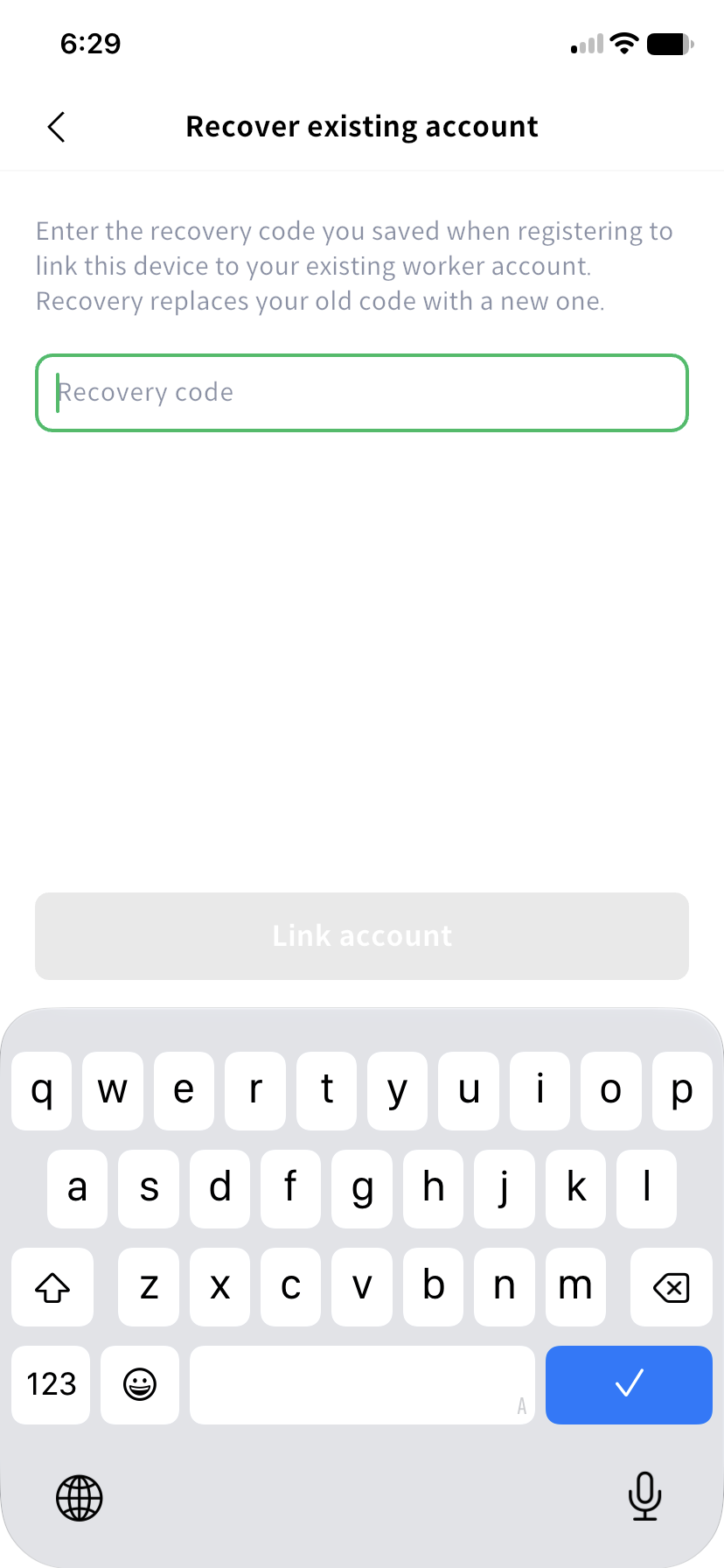
On the registration prompt, select the option to link an existing account using a recovery code. Enter your saved code. After recovery, the previous code expires and a new one is issued.
The code is provided only once at registration or recovery. Keep it somewhere safe outside the app and do not share it. Confirm that you have saved the new code before continuing.
Contact your administrator if the code is invalid or expired, or the device is linked to another worker. If you need to keep using an existing account, check recovery before registering a new worker.