
Group assignment matrix
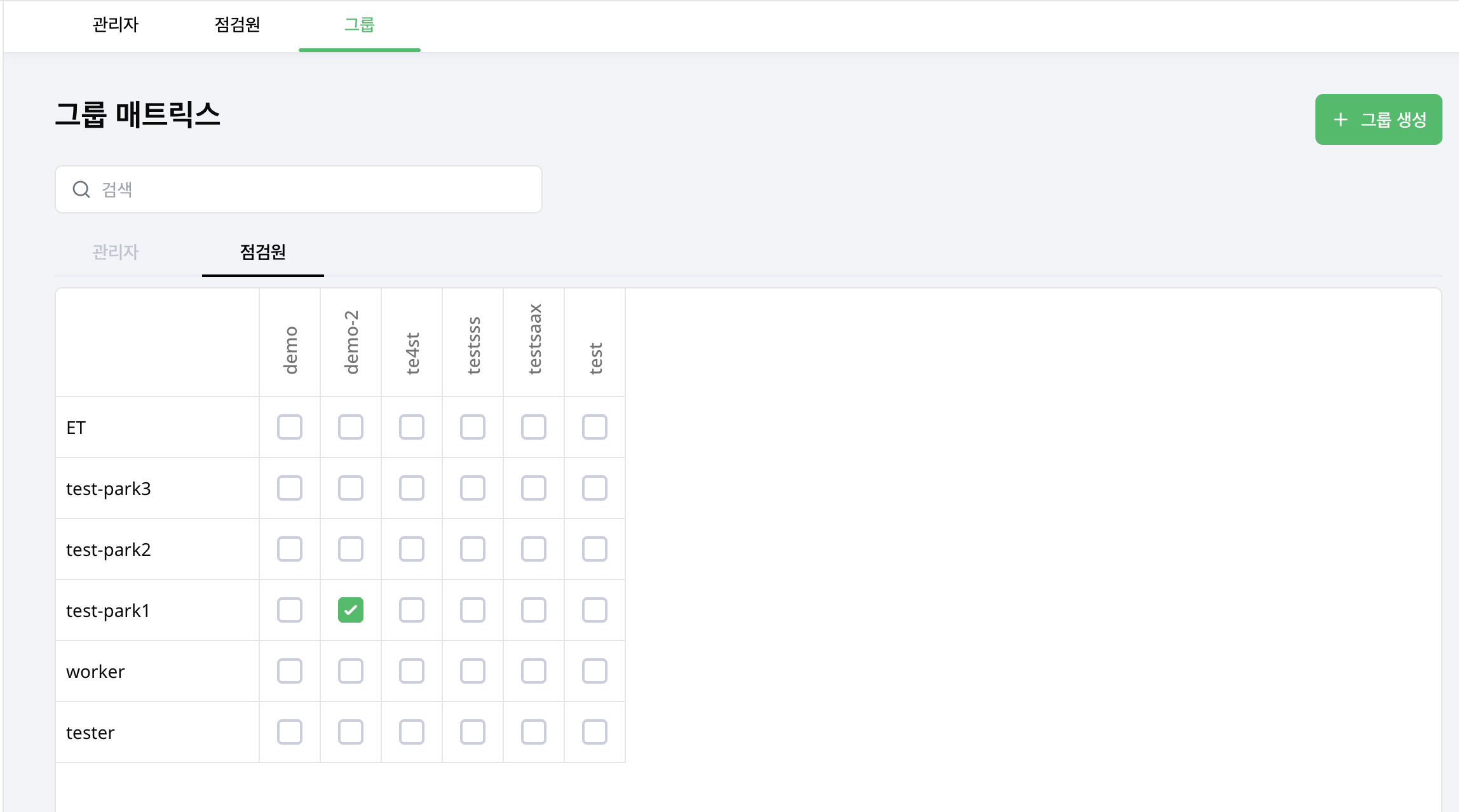
Compare and change group membership in one table. As an administrator, open Account menu > Groups and select Group matrix.
Assign people in the matrix
- Select the Administrators or Inspectors tab.
- Search for a person by name.
- Select the checkbox where their row meets a group column.
- Clear the checkbox to remove that assignment.
Each checkbox change is saved immediately. There is no separate save step. Check the result of each change. Select multiple columns to assign a person to multiple groups.
If saving fails
Check the current checkbox state and retry after an error. If a row fails to load, use retry before changing its assignments.
Review individual accounts in Members or Inspectors.