
Organization account
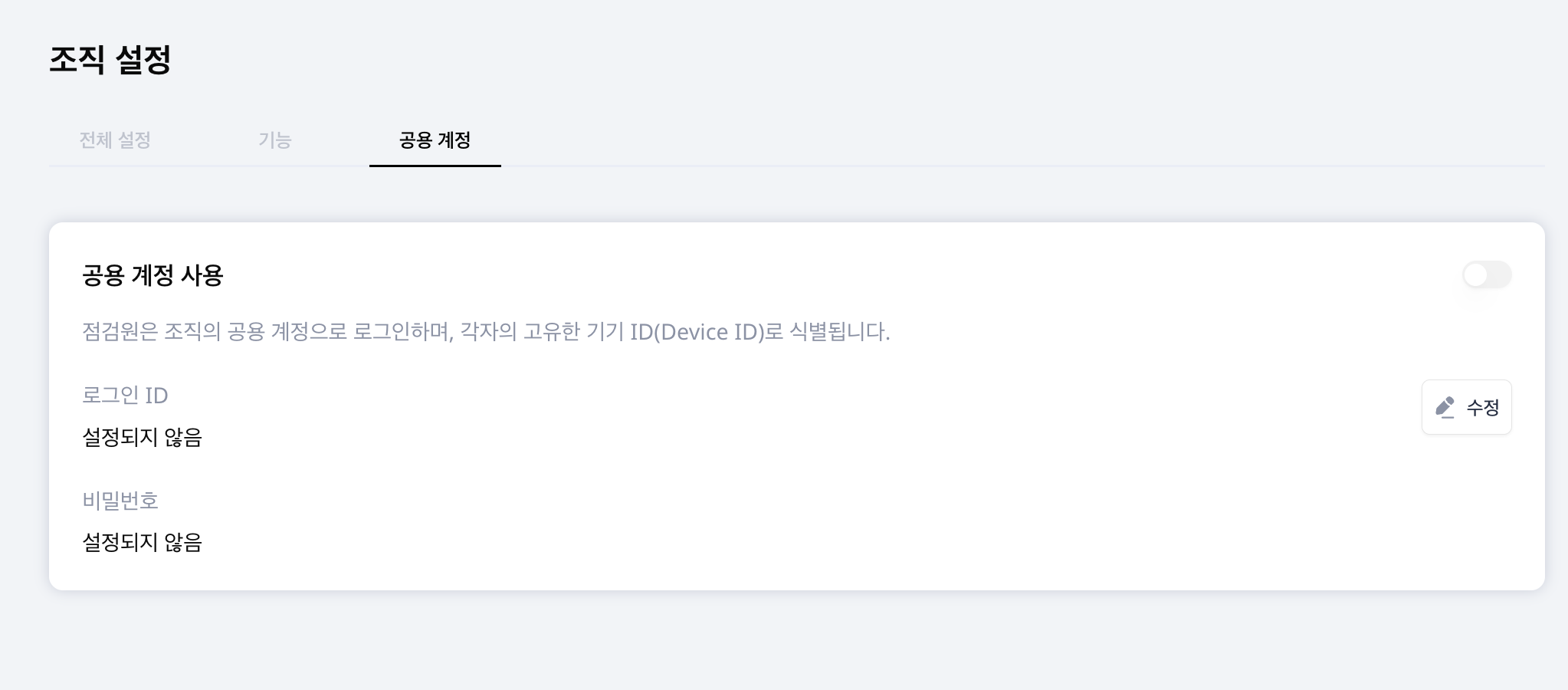
Manage the organization login ID and password used in the inspector app. As an administrator, open Account menu > Organization > Shared account tab.
Configure the account
- Select Edit.
- Enter the Login ID and Password. A password is required for initial setup.
- Use the Enable shared account switch to turn it on or off, then save.
- Share the organization's app login information with field staff.
Inspectors sign in with the organization's shared account and are identified by their own device ID.
Change the password
When editing an existing account, leave the password empty to keep it unchanged. Enter a new password to replace it. The saved password is never displayed in plain text.
Disable the account
Use the Enable shared account switch to activate or deactivate the account. Inform affected staff before changing login information or disabling access.
Register the people who perform inspections separately in Inspectors.