
Reports
Use Reports in the left menu to share organization-wide weekly/monthly operations or daily/monthly inspection records by inspector. To download answers and photos from a specific inspection, use Check history.
Review the weekly/monthly report
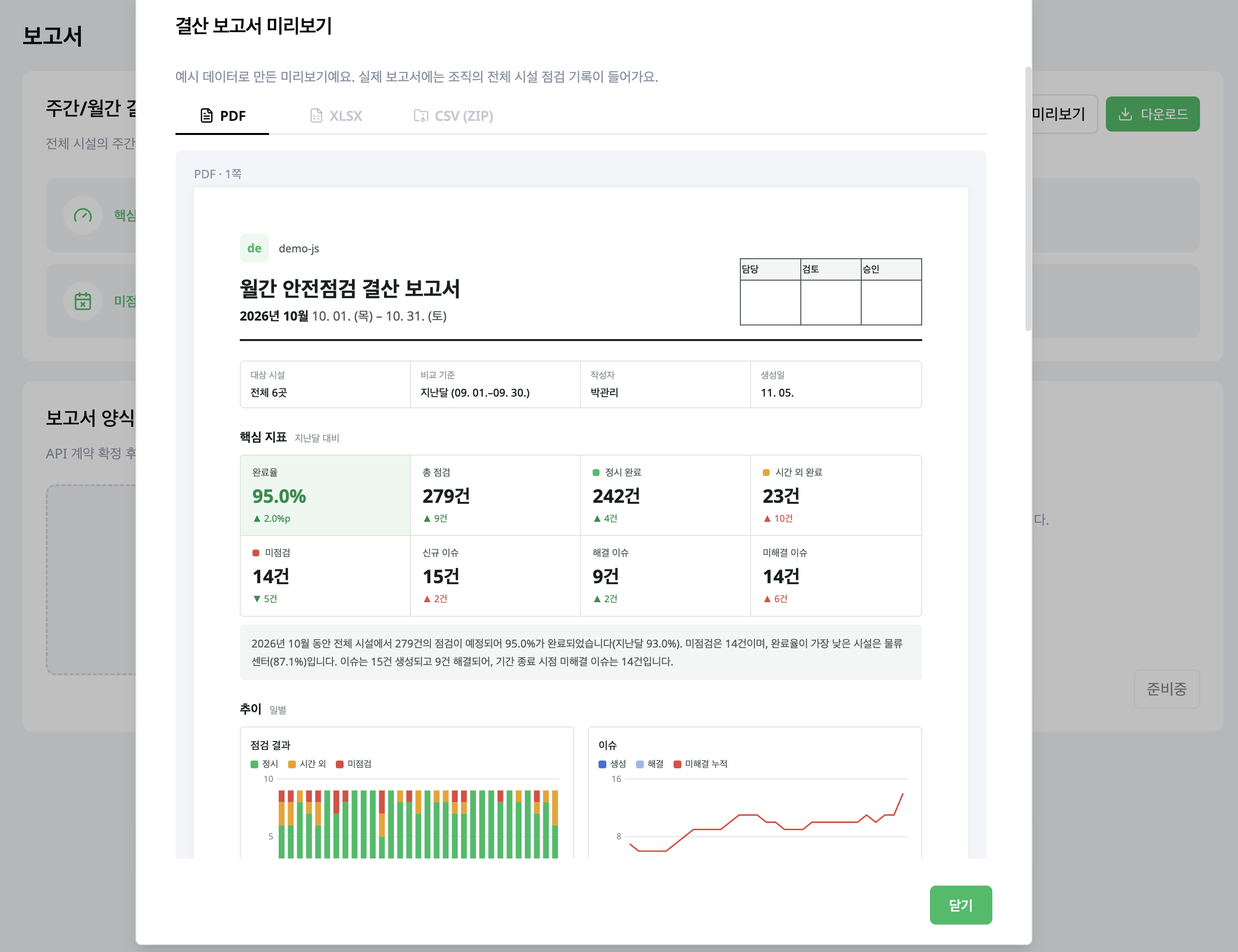
Use this report to review key indicators, trends, facility summaries, missed inspections, unresolved issues and inspector activity together. Open the preview to inspect its structure before requesting a report.
Request a report
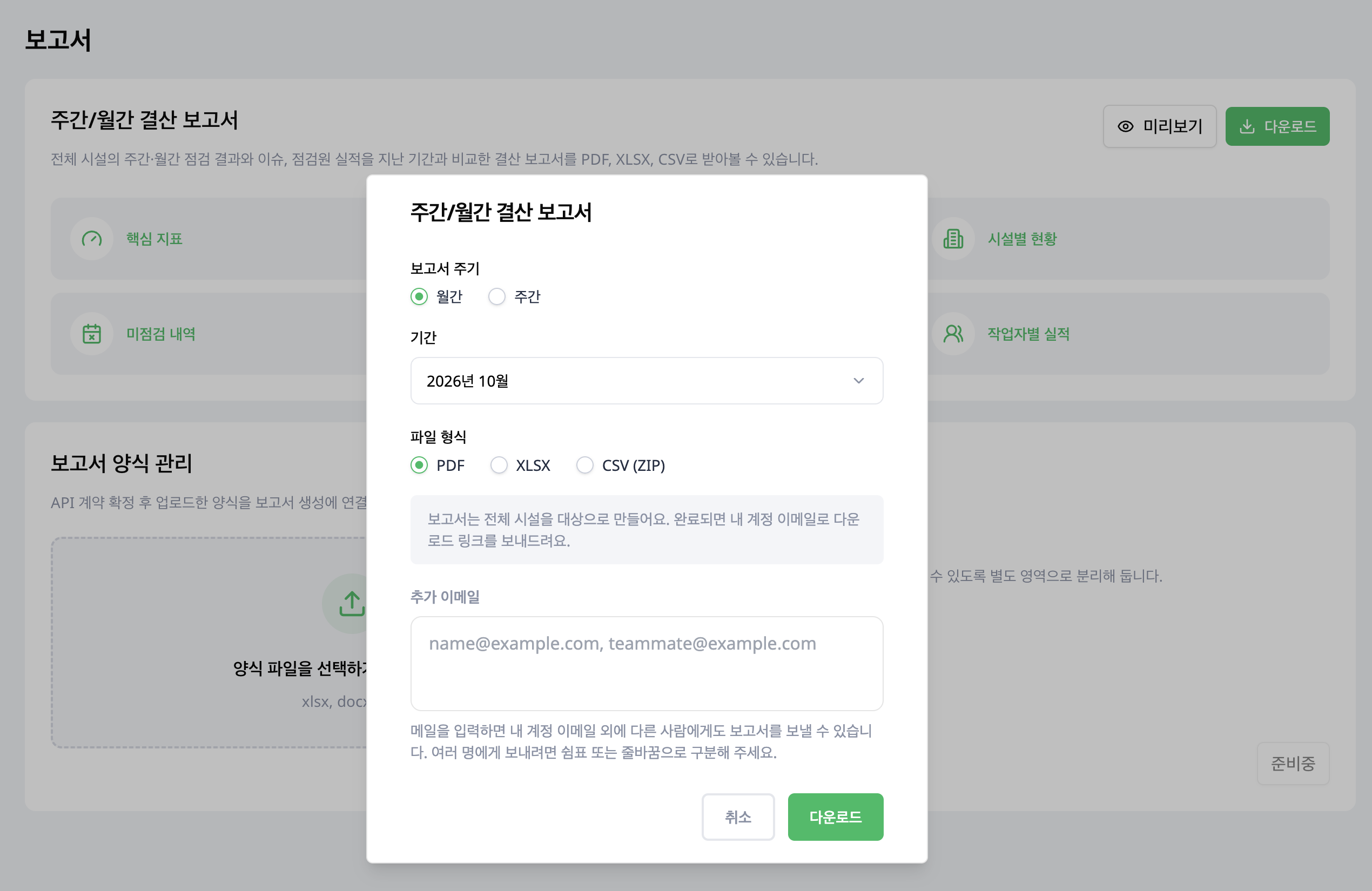
- Choose download on the weekly/monthly report.
- Select weekly or monthly and choose a period.
- Select PDF, XLSX or CSV (ZIP).
- Enter additional email recipients if needed.
- Submit the request and check your email.
The report covers all facilities in the organization. If you choose the current week or month, remember that its reporting period is still in progress.
Request daily or monthly reports by inspector
Choose download under Daily/Monthly Inspector Reports to collect work performed by specific inspectors. A daily report contains the selected day's inspection list followed by detailed inspection reports. A monthly report starts with a monthly summary followed by that month's detailed inspection reports.
- Select at least one inspector. You can select several at once.
- Choose Daily or Monthly.
- Choose a date for a daily report or a month for a monthly report. The current month is still in progress.
- Select PDF or XLSX, then select Download.
- Check your account email for the download link.
One report is created per inspector. When you select several inspectors, their reports are delivered together in one ZIP file. Use the weekly/monthly report above for organization-wide operations.