Sign Up
Use the registration page to create a Touch Check account or connect an account from another Touch service.
Open the registration page
Go to https://atlas.spresto.net/user/register.
Choose the right option
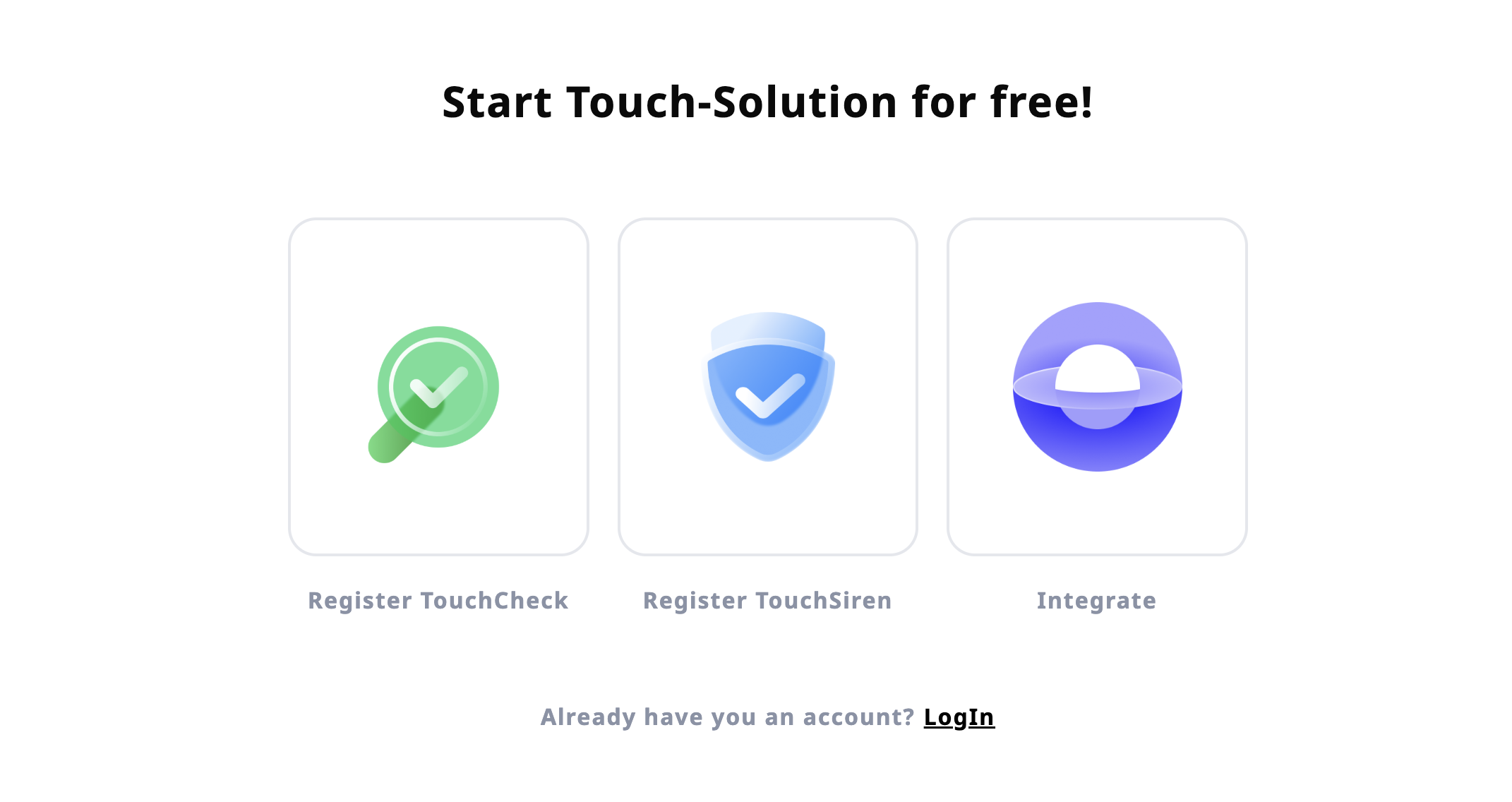
The registration page shows three options.
Touch Check: Choose this if you are signing up to use Touch Check.Touch Siren: Choose this if your organization is signing up to use Touch Siren.Merge accounts: Choose this if you already use Touch Siren and want to connect that account with Touch Check.
For a new Touch Check setup, select Touch Check and continue with the registration form.
Enter account information
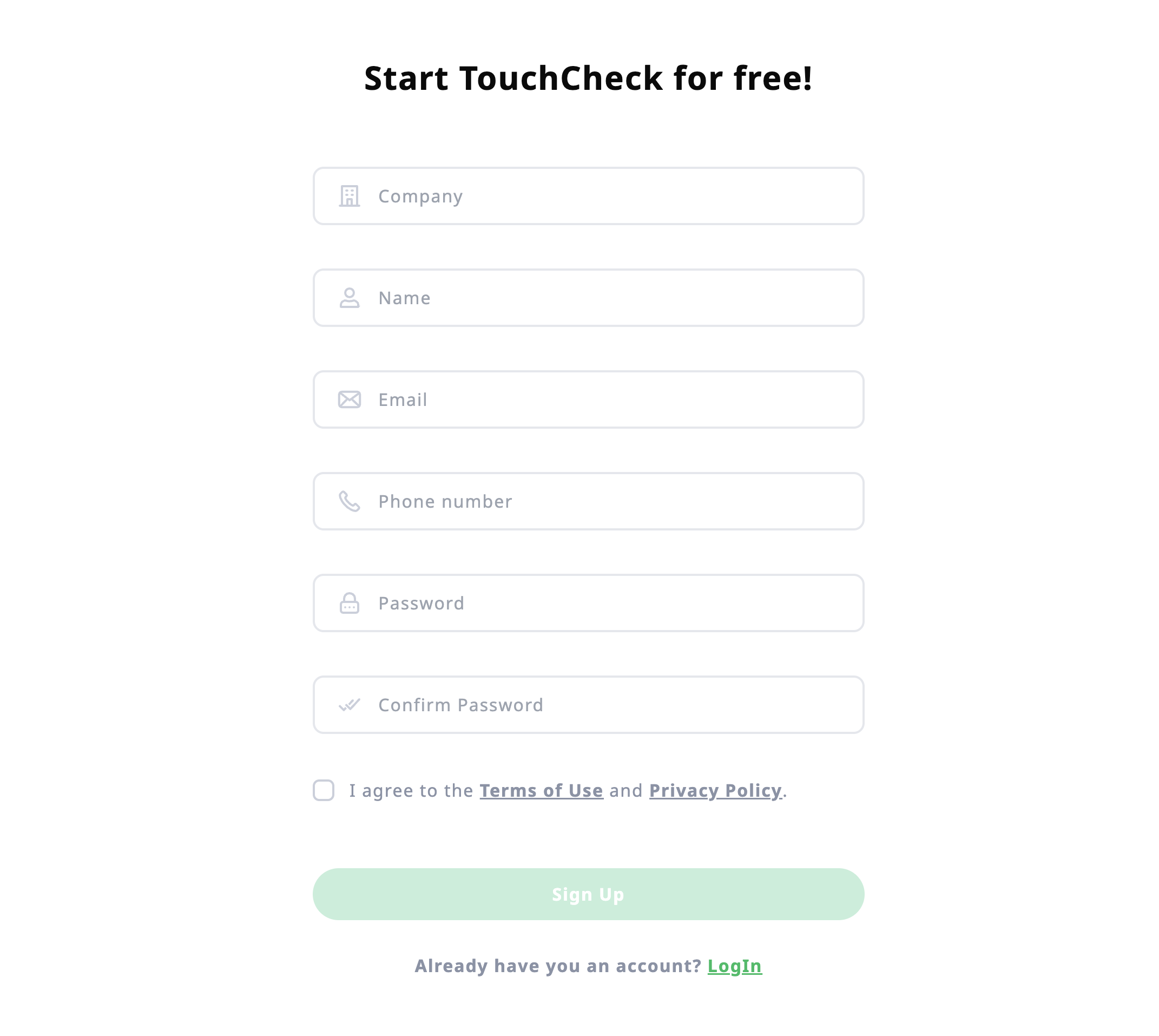
Fill in the required information.
- Organization name
- Name
- Phone number
- Password
After submitting the form, use the registered email and password to sign in to Touch Check Admin.