
Inspection records
Check completion for each inspector assignment and review answers and photos from submitted results. Open Inspection > Inspections in the left menu. The list includes missed work as well as completed results.
Find records
The list initially covers the past week. Choose a date range and use Add filter to add status, inspection/task type, facility, checklist, inspector or schedule conditions. If the list is empty, review the period and selected filters first.
| Status | What to check |
|---|---|
| Complete | Work completed by the inspector |
| Time mismatch | Work completed outside the specified time |
| Missed | Assigned work that was not performed |
Each row represents one inspector assignment. A scheduled check with several assignees may appear on several rows. Missed rows show the scheduled time instead of a completion time. Find upcoming work in Inspection status.
Open a record
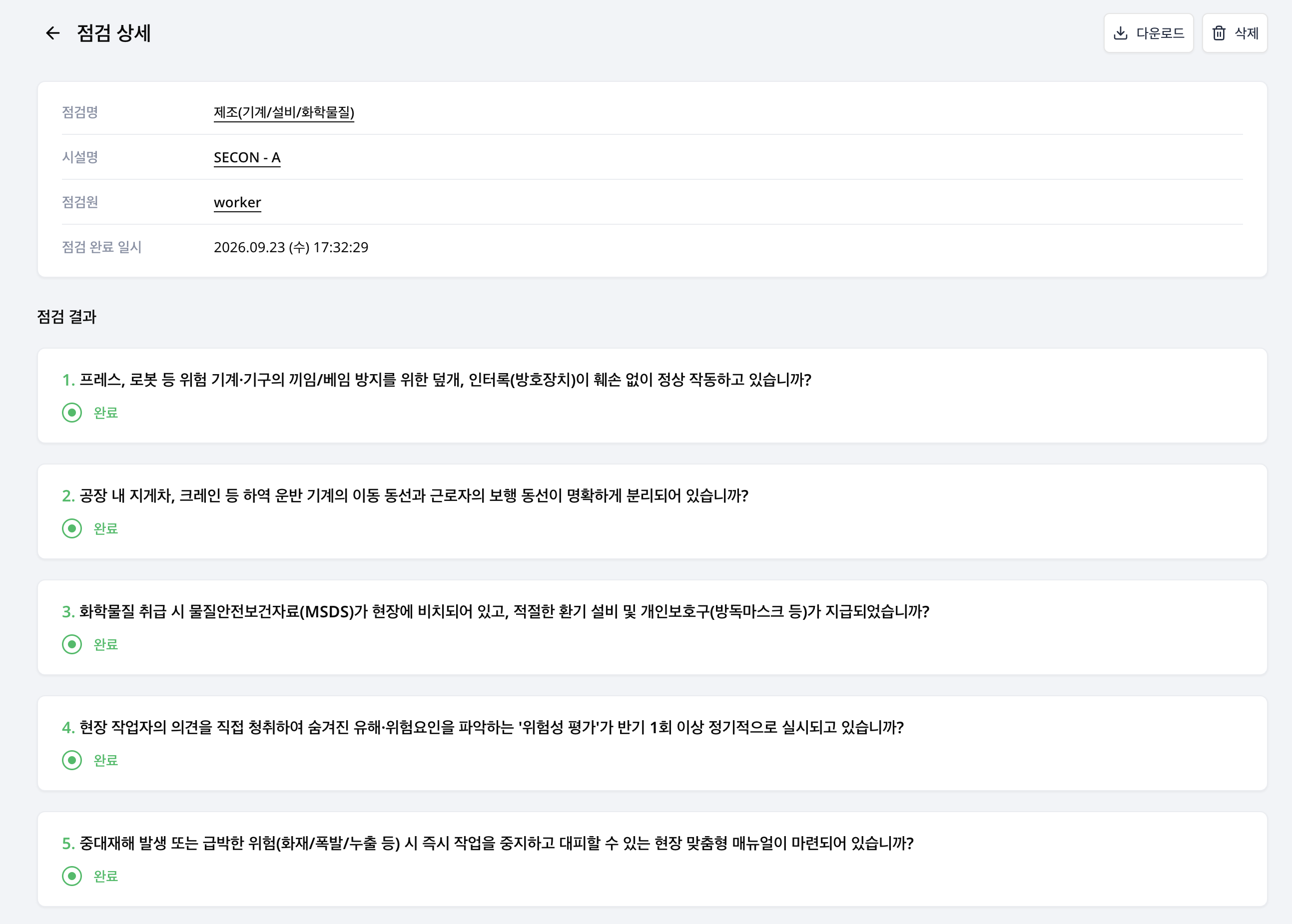
Select a row or choose More (⋮) > View details. The destination depends on the record.
| Record | Where it opens |
|---|---|
| Submitted checklist result | Inspection result details with answers and photos |
| Completed environment or inventory check | The scheduled check's Check records tab with measurements or stock movements |
| Assignment without a submitted result, such as missed work | The scheduled check's Workers tab with assignments and completion status |
For checklist results, confirm that the checklist, inspector and completion time match the record you need.
Download results
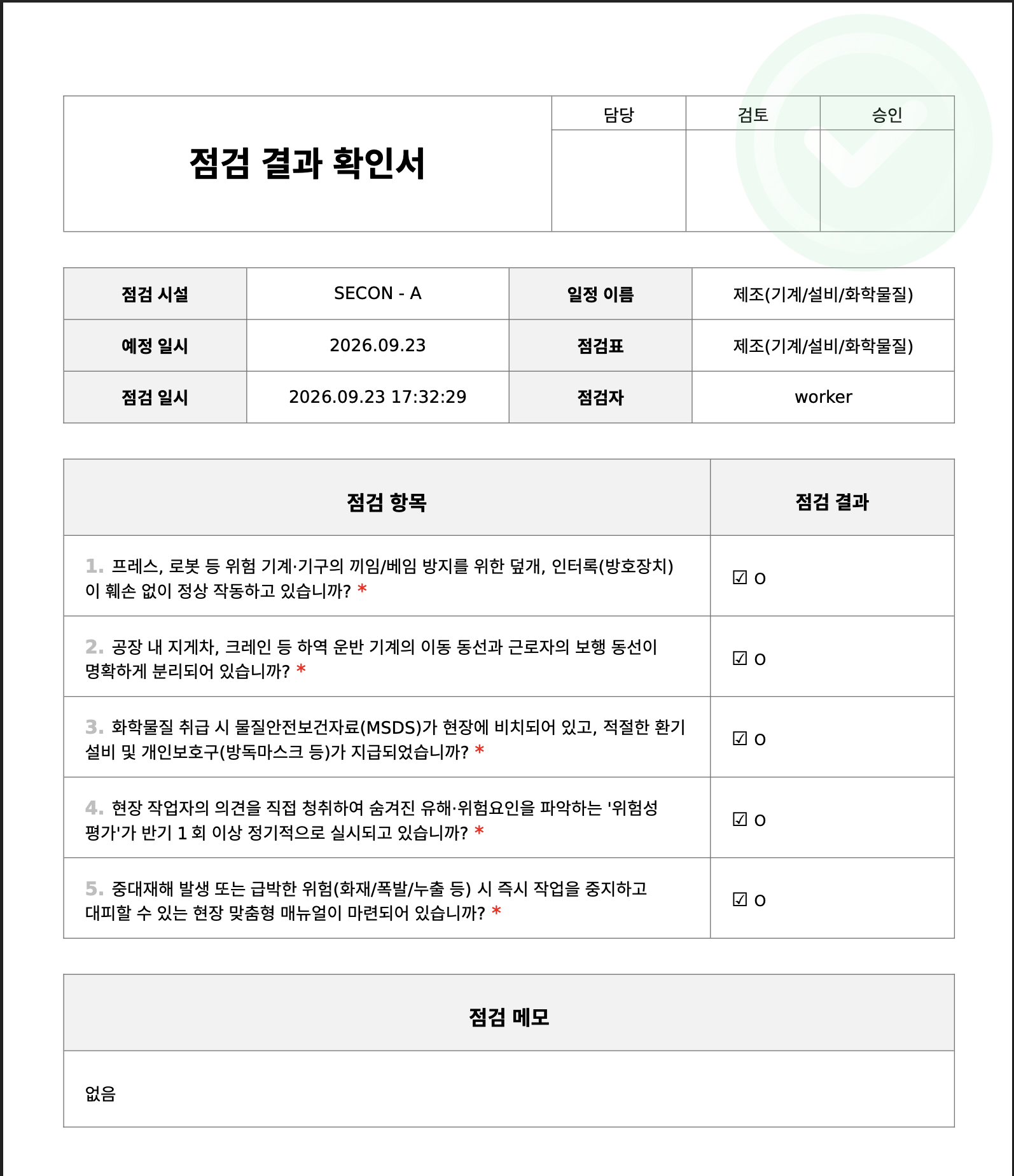
Only rows with a submitted checklist result can be downloaded. Choose download from an individual result's action menu or result details and select PDF, CSV or XLSX. A file may download directly or be delivered by email, depending on the request result.
For multiple results, select the checkboxes on rows with results and choose download. Review the recipient address, file format and selected count in the email confirmation before submitting. Environment records, inventory records and missed work are not eligible for checklist result downloads.
Delete a record
Choose More (⋮) > Delete on a row and check the schedule and scheduled check in the confirmation dialog. Deletion removes the scheduled occurrence, rather than only the selected inspector's row. Review other inspector records linked to the same occurrence before proceeding.
Use Reports for organization summaries or daily/monthly reports by inspector.